
What We're Actually Using AI For (Vol. 2)
Learn we're using AI for and how to make it work for you too.

Back with another installment!
In our first volume, we shared how the VAILL team was using AI for strategic planning, travel research, rapid prototyping, admin tasks, and note organization—the practical, everyday stuff that actually makes work easier, not the flashy headlines about revolutionary transformation.

The response was exactly what we hoped for: people want to see the real applications, the small wins, the “this made my Tuesday less annoying” moments. So here’s what we’ve been using AI for lately: more mundane problems, more immediate solutions, and more proof that the best AI applications are often the least glamorous ones. Rather than create content for the sake of content, we’re backing away from the weekly formula and only sharing use cases that are really ‘wowing’ our team.
What else is new in this volume? We’ve got a bit of a theme! We’re a month into the fall semester here at Vanderbilt, and since we all teach, many of our use cases center on how to be better educators. I guess this isn’t super surprising, but for all of you who aren’t in the education world specifically, there is still use for you here — read on!
As always, these aren’t carefully curated demos or vendor showcases. This is what we actually reached for when we needed help getting something done.
And don’t forget, we’re taking use cases from the audience. We’d like to do a guest post with all your great ideas. If you’d like to share, we’ve got a Google form open and would love to hear your ideas.Adding Visual Engagement Without the Design Headache – Kyle Turner
I’ve been exploring image and video generation capabilities to make my class hypotheticals more engaging. Instead of relying solely on text, I wanted to see if adding visuals could help students connect with legal concepts.
The process was simple: I uploaded my hypothetical to ChatGPT and asked for it to be broken into “four scenes with details for image generation.” Once the scenes were created, I asked for the language to be optimized for DALL-E, then requested the images be generated. (I found it helpful to specifically mention which image tool I was using, since the descriptions varied depending on the model.)
What did I learn? Creating images takes only a few straightforward steps, and it’s a low-effort way to add something new to a slide deck. For my purposes, “good enough” really is good enough. The cons? The same problems I've seen before persisted. My “junior attorney” was rendered as very young, male, and white, and DALL-E continued to struggle with placing text accurately into images.

Still, imperfection has its value. It gives us a chance to learn, poke a little fun at the quirks, and discuss the limitations that remain with students.
How do you make this work for you? Use AI image generation for quick visual aids when perfection isn’t the goal. The process of creating and critiquing imperfect images can become part of the learning experience itself.
Course Design That Actually Saves Time – Cat Moon
In my Law as a Business course, students work through weekly team hypotheticals that let them apply what they're learning. Last week’s focus was on business and financial literacy, covering pressure points facing law firms and their clients. In the past, I’d spend substantial time crafting current, realistic hypotheticals. This year, I spent about an hour using three genAI tools to create both the hypotheticals and accompanying team worksheets. The process was easier, more fun, and the end product was superior.
Here’s my workflow: First, I set up course projects in both Claude and ChatGPT at the beginning of the semester, adding the syllabus, schedule, assignments, and foundational materials. This five-minute setup makes it fast and easy to use the tools effectively at any point during the term.
For this exercise, I started with Claude, sharing my goals and key requirements. After three rounds of revision, I had five solid hypotheticals. Then I took Claude’s output to my ChatGPT course project for review and refinement. A few minutes later, I had a final product that needed only five minutes of editing.
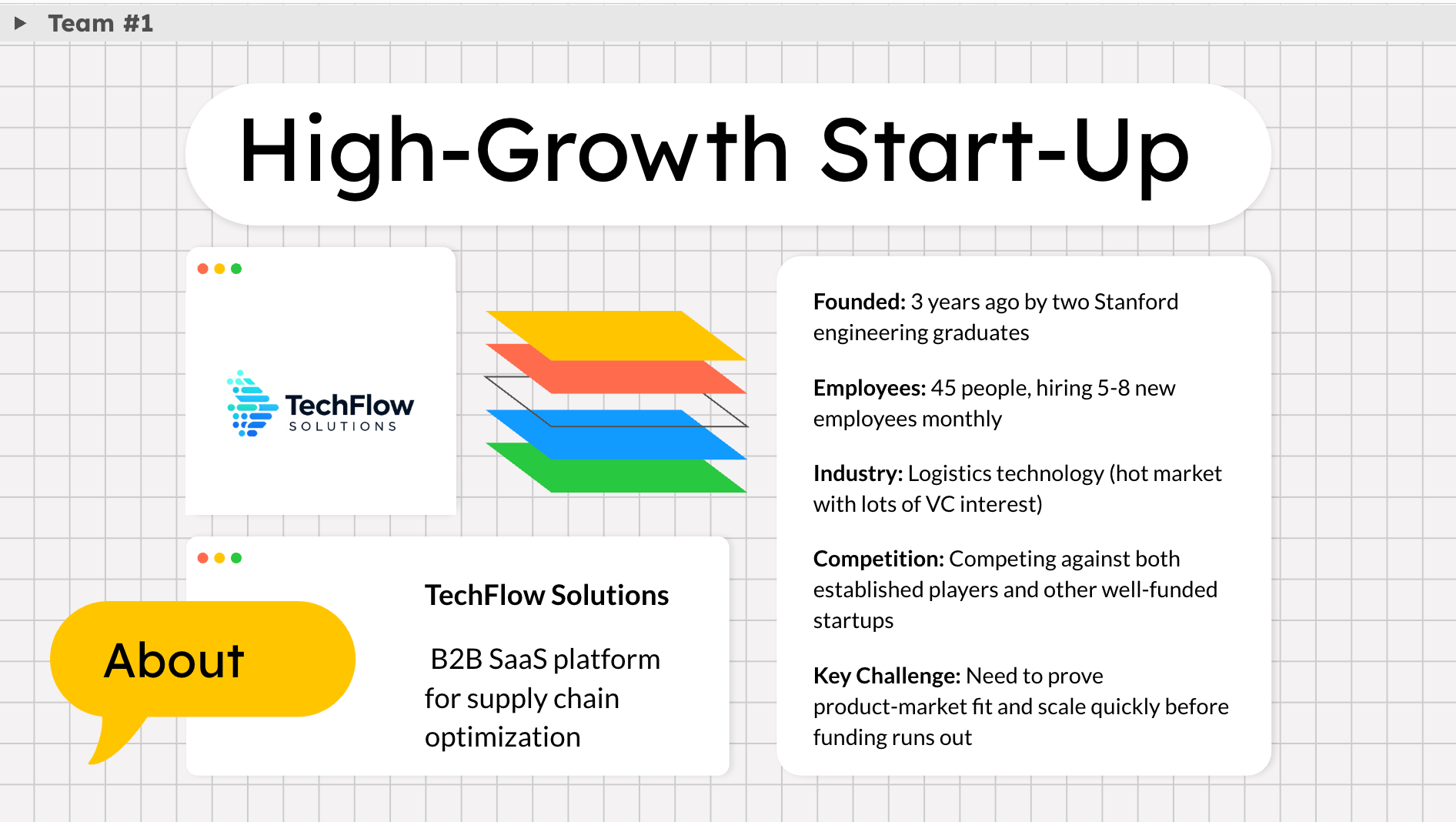
For the team worksheets, I created Google Slides “workbooks” that are visually pleasing and make assessment easier. While I still design the slides myself (genAI slide tools don’t meet my design standards yet), Google Slides’ new AI image feature lets me instantly create custom logos for each of the five businesses in my hypotheticals. A small touch, but it made the scenarios feel more real and enhanced student engagement.
How do you make this work for you? Set up course projects in your preferred AI tools at the start of each semester, even if you’re not sure how you'll use them. Having that foundation ready makes it much easier to leverage AI for time-intensive tasks like creating realistic, current hypotheticals.
From Vague Ideas to Polished Presentations – Emily Pavuluri
Recently, I used Claude to design and refine the structure for a law library–led Faculty Research Assistant training presentation. I am the busiest I’ve ever been this semester, and past me, who agreed to do this presentation, did not consider future me’s workload! Fast forward (all of a sudden, it snuck up on me!)… it was the Sunday before the Tuesday presentation… Granted, I had an idea of what needed to be covered, but I didn’t have any slides or even an outline or general background of what I was actually going to do with the session. I was feeling a bit scattered.
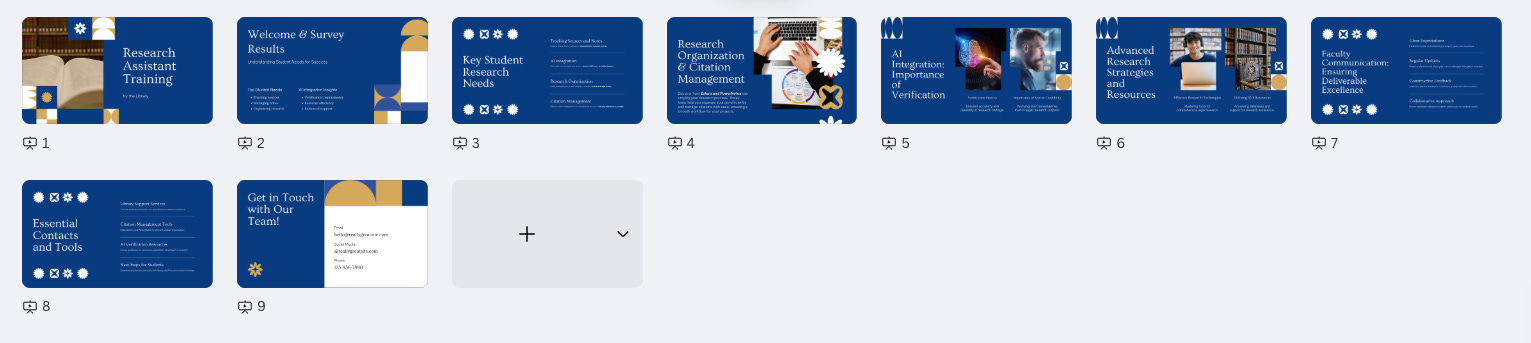
In Claude, I started with a broad outline request, providing details about what I wanted the session to accomplish (my learning objectives), but I also shared survey data about what students said they actually needed (their learning objectives), like citation tracking, organizing research, and AI verification, and Claude shaped the outline around those priorities. After I provided feedback about our specific library resources (Zotero, PowerNotes, Google Scholar integration, international research guides, SciteAI), the outline was adjusted to incorporate these resources while removing less relevant sections.
Even though I was short on preparation time, this collaborative presentation process allowed me to really focus on student needs. In the past, especially when pressed for time, I would make a very general presentation, shifting specific callouts or needs to one-on-one conversations. Now, Claude helped me develop the presentation from the ground up with these asks in mind. Rather than a vague “hour” of “content” for RAs, I came away with an organized, student-focused presentation with tailored resources and guidance.
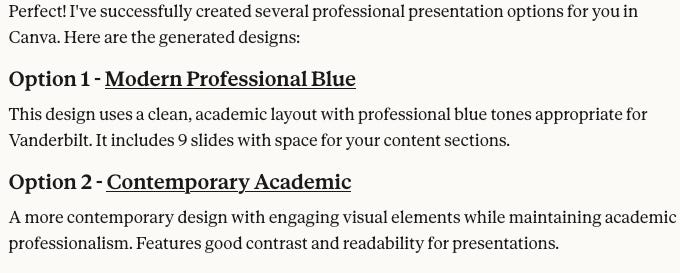
Speaking to Cat’s point about AI not being quite there for slide creation and design, Claude now has a Canva connector. While not perfect, Claude generated a few sample presentations based on my outline, and they turned out pretty well, surprisingly. I didn’t end up using any of them (because I trust my Canva design skills more at this stage), but if you’ve got the time, maybe play around with it and see what you can get!
How do you make this work for you? AI excels at restructuring content around actual needs, but it needs specific information about your resources and audience to be truly helpful. If you’ve got an existing presentation or outline, try refreshing it with a specific audience or feedback in mind.
What are you actually using AI for this week? Not the theoretical applications or the tools you think you should be using. But the real ones. The boring ones. The ones that just work. If you’d like to share, we’ve got a Google form open and would love to hear your ideas.